Work orders and exclusions
Questions about work orders and how exclusions change PR and availability.
No question matches. Try the AI chat at the bottom right, or contact support.
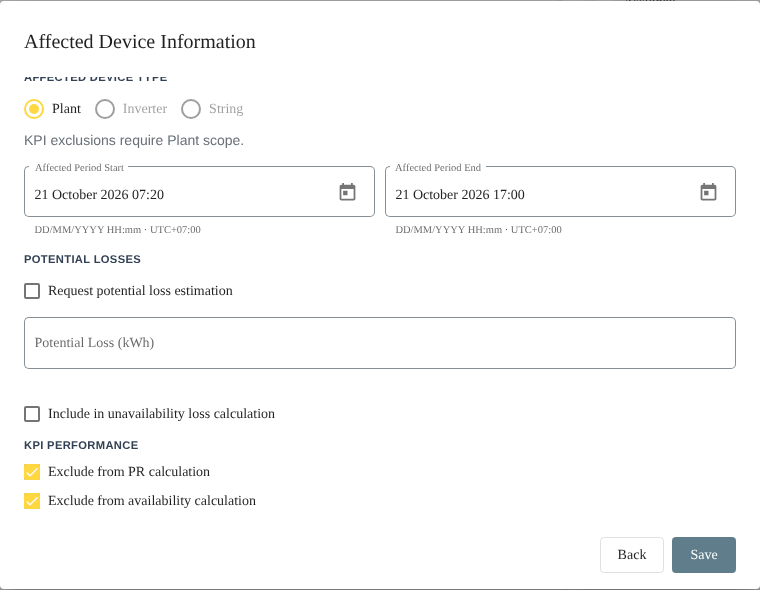
How do I choose the exclusion period?
SolarSENS applies exclusions in five-minute blocks. You do not have to start the period at the exact minute of the event. Select a period that contains the event.
SolarSENS already removes low-irradiance intervals from the calculation, so you do not have to exclude them.
Where can I see the result of a PR or availability exclusion?
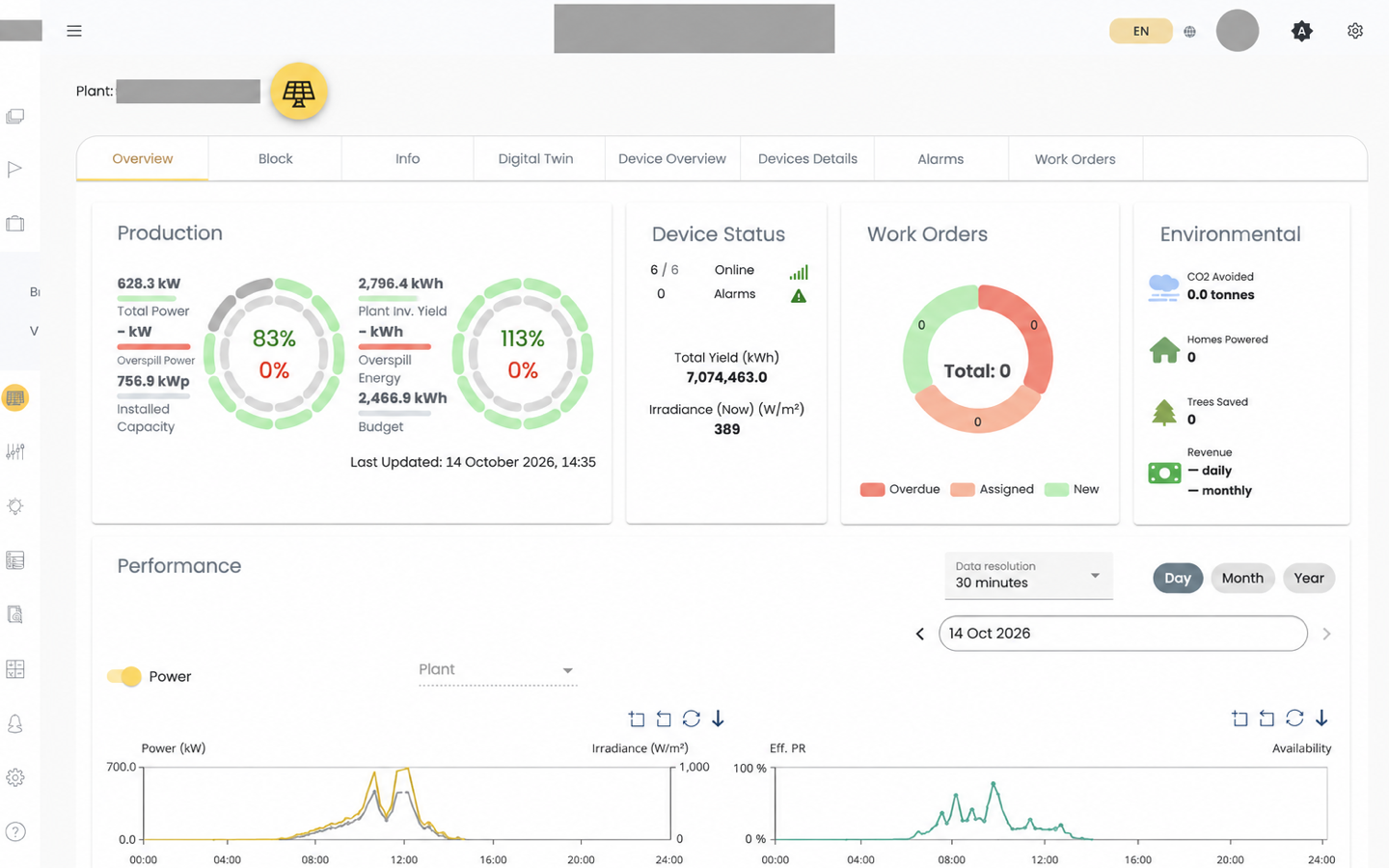
Look on the plant page. The work order does not show the result. A PR exclusion changes PR only after a person with permission to approve KPI work orders approves it and SolarSENS recalculates the affected days. Then open the plant page and make sure that PR and availability for the period changed as you expect.